67%
of trust audit failures involve incomplete trustee records
Track every trustee's donations, contributions and responsibilities with complete transparency. Eliminate disputes, simplify audits and give your committee full financial visibility — from any device.
Related: 80G receipts · Reports & insights · For trusts · Pricing · Trustee responsibilities guide
When no one knows who contributed what, disagreements escalate. Sanstha ERP gives every trustee a transparent, verifiable record.
67%
of trust audit failures involve incomplete trustee records
₹0
additional cost to track trustee contributions in Sanstha ERP
2 min
to generate a full trustee contribution report for your auditor
Maintain a complete record of every trustee: name, contact details, role (president, secretary, treasurer), tenure start and end dates, and appointment documents.
Every donation, contribution or in-kind gift made by a trustee is logged under their profile. Date, amount, purpose and receipt number — all in one place.
Generate a printable annual statement showing each trustee's total contributions for the year. Share at AGM, trustee meetings or with auditors instantly.
Each trustee gets their own login with access appropriate to their role. A trustee can view their own records; the treasurer manages all financial data.
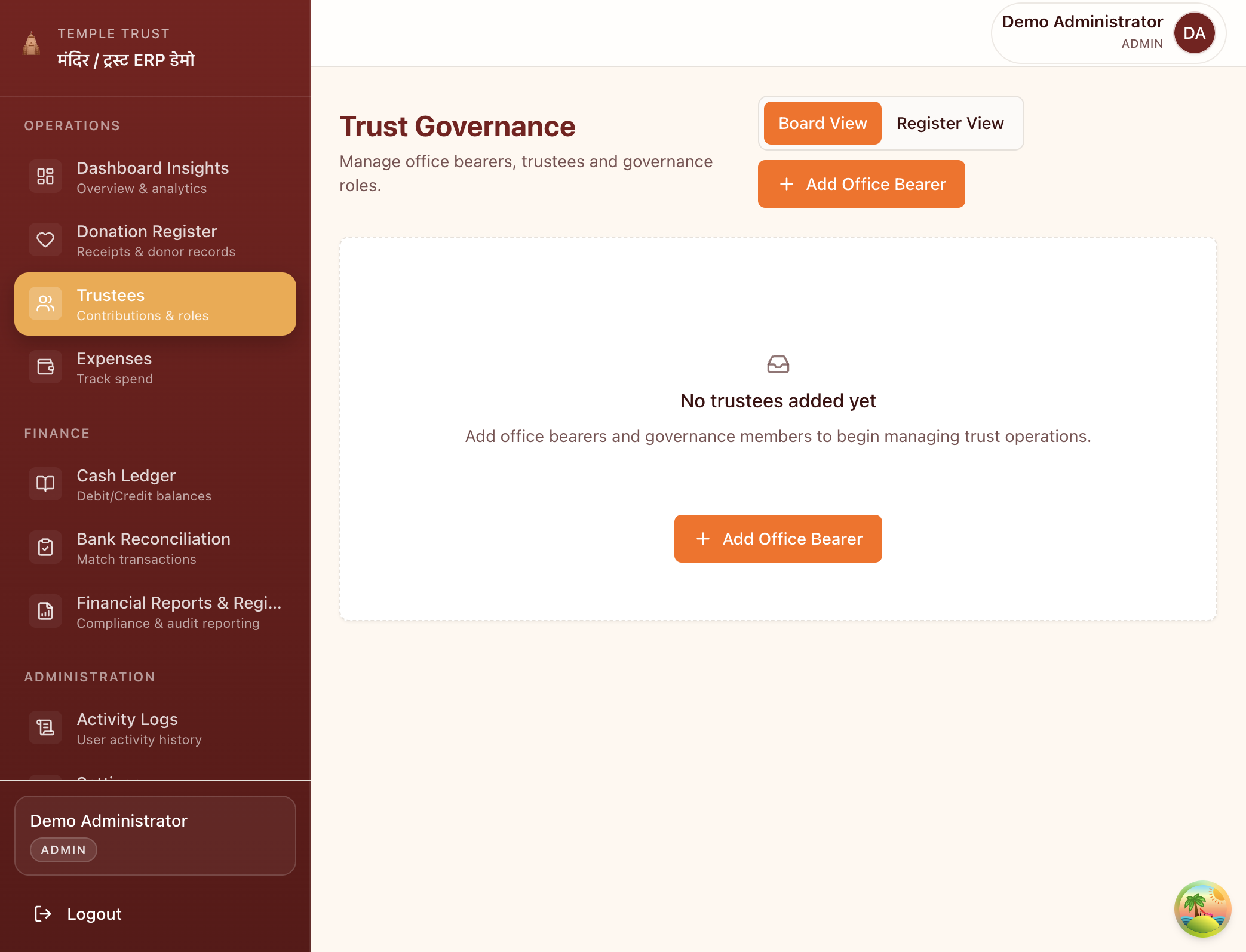
Add trustees, assign governance roles and maintain a full record of office bearers. Board view and register view available.
Yes — this is one of Sanstha ERP's core features. Every trustee has their own profile with a complete contribution history. You can see all donations made by a specific trustee, generate their individual statement and include it in audit reports.
Yes. Each trustee can have their own login. They can view their own contribution history and download their personal contribution statement at any time. Access to other trustees' data and financial settings is controlled by the admin.
In the Trustees section, click Add Trustee and fill in their details. You can record tenure dates so the system maintains a historical record of all committee changes. Previous trustees remain in the system for audit continuity.
Yes. The Trustee Contribution Report shows each trustee's total contributions for the selected period, broken down by date and receipt number. You can print it or export as PDF for distribution at the AGM.
When a trustee's tenure ends, you update their end date in the system. Their complete historical records remain intact and are always available for audit purposes. The new trustee is added as a fresh record.
No more disputes. No more missing records. Full accountability from day one.