Instant 80G receipts
Every receipt auto-fills: donor name, address, PAN, donation amount, date, mode of payment, your trust's 80G registration number and validity. Sequential receipt numbers maintained automatically.
Generate, print and send 80G donation receipts in seconds. Every field required by Indian tax law — donor name, PAN, amount, date, your 80G registration number — filled automatically. No manual errors.
IT Act Section 80G Compliant
Related: Trustee tracking · Expense vouchers · Reports · For temples · 80G receipt guide
Every receipt auto-fills: donor name, address, PAN, donation amount, date, mode of payment, your trust's 80G registration number and validity. Sequential receipt numbers maintained automatically.
Print physical receipts or download as PDF in one click. Send directly to donor via WhatsApp or email from within Sanstha ERP. No third-party tools needed.
Every receipt ever issued is stored with full search and filter. Find any receipt by donor name, date, amount or receipt number in seconds. Perfect for audit queries.
Collected donations at a festival or event? Print all receipts in one batch. Select a date range and print or export the complete set.
Under the Income Tax Act, an 80G receipt must contain specific fields. Sanstha ERP fills all of them automatically.
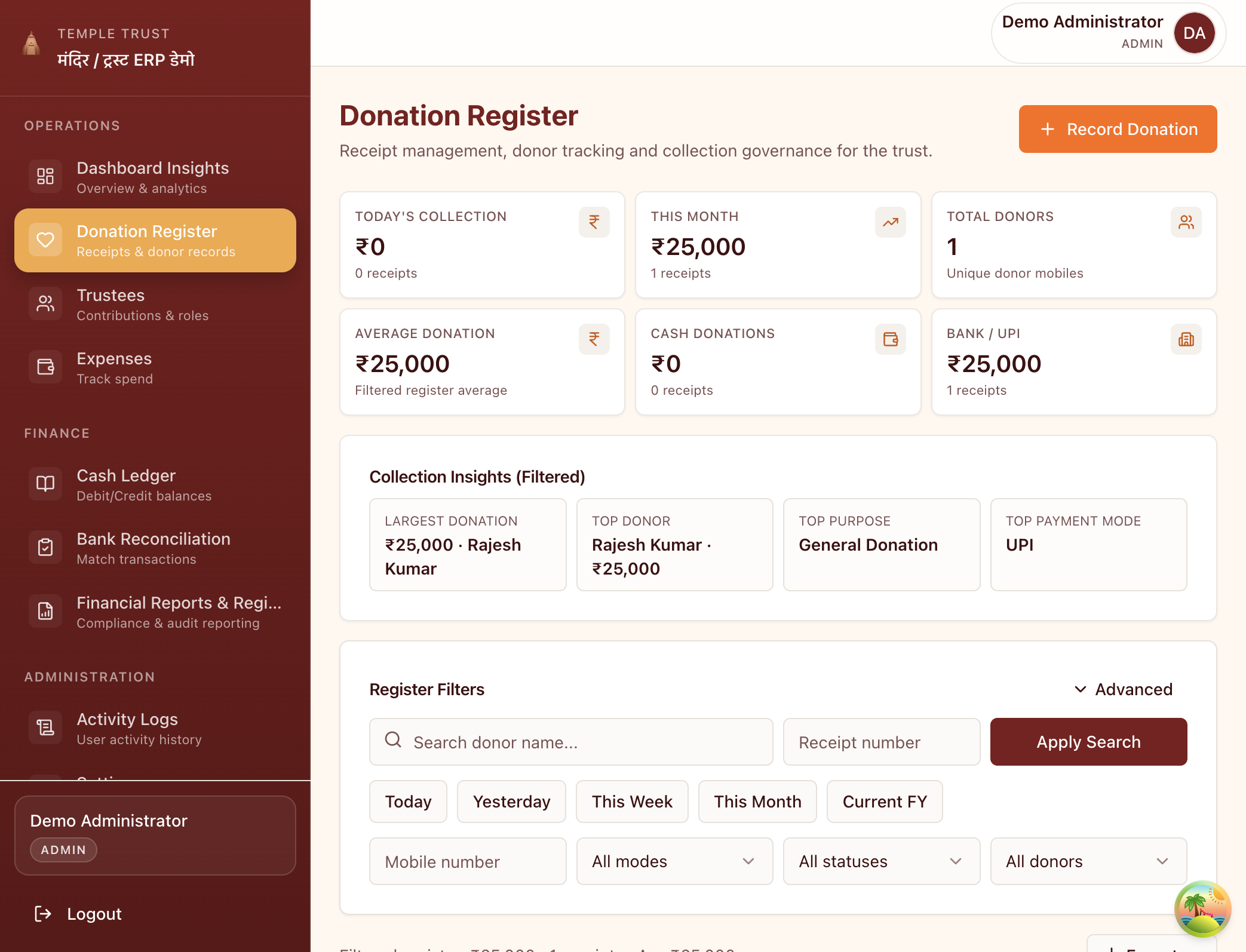
Every donation recorded with date, amount, payment mode and donor PAN. Search, filter and export in seconds.
Under the Income Tax Act, an 80G receipt must include: the institution's name, address and 80G registration number with validity date; the donor's name, address and PAN; the donation amount in figures and words; the date; the mode of payment; and a sequential receipt number. Sanstha ERP fills all these fields automatically.
Yes. Every receipt generated in Sanstha ERP can be downloaded as a PDF and shared directly on WhatsApp, email or any messaging platform. Donors receive their tax exemption proof instantly — no printing required.
Yes. Every receipt is stored in the receipt register with full search and filter by donor name, date, amount or receipt number. You can reprint or re-download any receipt at any time.
For donations below ₹2,000 in cash, PAN is not mandatory. Sanstha ERP allows you to mark the PAN field as 'Not Provided' for such cases while flagging higher-value cash donations that require PAN under IT rules.
Yes. You can add your institution's name, address, logo, 80G registration number and authorised signatory details in Settings. These appear on every receipt automatically.
Set up in 10 minutes. No training. No hardware.