Record expenses by category
Assign every expense to a category: puja samagri, staff salary, maintenance, festival expenses, utilities, charity disbursements. See where money goes at a glance.
Record every expense, print vouchers, attach payment details and maintain a complete audit trail. Know exactly where every rupee went — at any time, from any device.
Full Audit Trail Included
Related: 80G receipts · Reports & insights · Trustee tracking · Pricing · For temples
Assign every expense to a category: puja samagri, staff salary, maintenance, festival expenses, utilities, charity disbursements. See where money goes at a glance.
Generate a printable voucher for every payment. Includes payee name, amount, category, date, payment mode and approving trustee signature line. Audit-ready by design.
Record cash, cheque, UPI, NEFT and IMPS payments. Cheque number, UTR and transaction references are captured and stored for every digital payment.
See total expenses by category for any month or year. Instantly know how much was spent on festivals vs maintenance vs staff. Exportable as PDF.
Sanstha ERP comes with expense categories designed for religious institutions — not a generic business tool.
Can't find your category? Add custom categories in Settings.
Record vouchers by category, export to PDF or Excel, and let your auditor see all supporting documentation in one place.
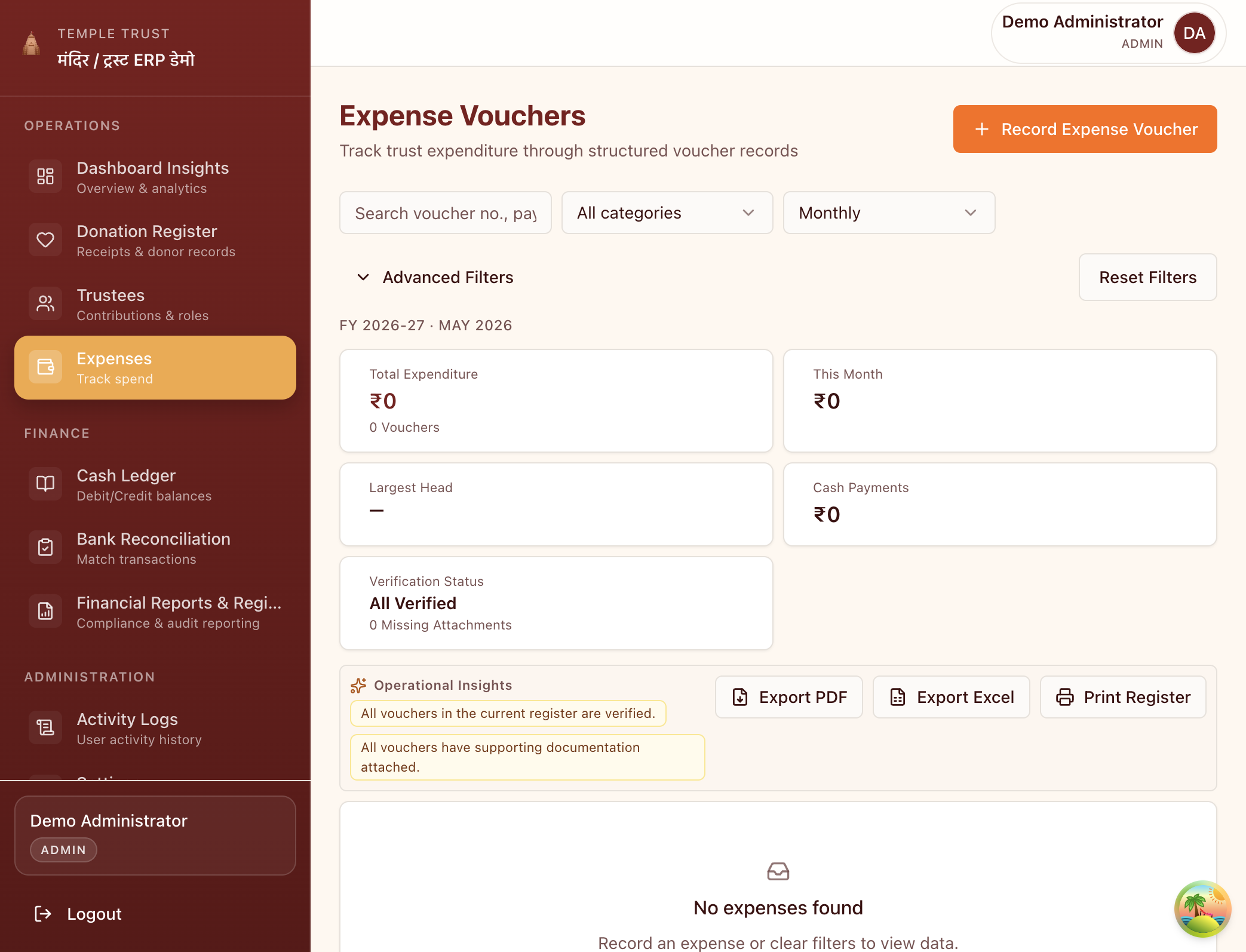
Yes. Every expense recorded in Sanstha ERP can be printed as a formal expense voucher. The voucher includes the payee name, amount, category, date, payment mode, transaction reference and an authorised signatory line — everything your auditor needs.
Yes. Sanstha ERP comes with pre-built categories for temples and trusts, but you can add your own custom categories in Settings. Custom categories appear in all reports and vouchers.
When recording an expense, select the payment mode from the dropdown: Cash, Cheque, UPI, NEFT or IMPS. For digital payments, enter the transaction reference or UTR number. This is stored with the expense record for audit purposes.
Yes. You can filter expenses by category, date range or custom tags. If you tag all Navratri expenses under a festival category, you can see the total spend for that event instantly.
Multiple users can record expenses based on their role. The Starter plan supports 3 users; Pro supports unlimited. You can restrict expense entry to specific roles — for example, only the treasurer can approve large payments.
Complete expense tracking, voucher printing and audit trail — included in every plan.